Changelog
v1.2.4:
– General Fixes:
– Review and correction of some animations not working as intended
– Review of HTML/JS code
Description
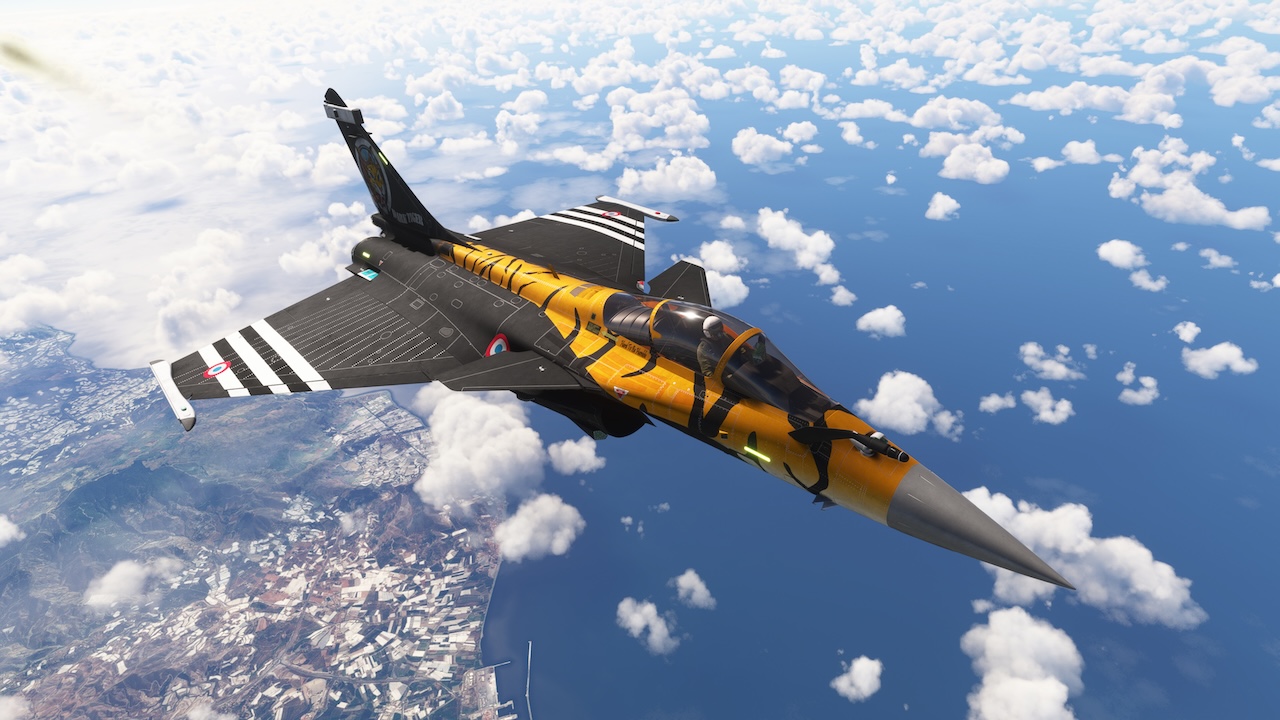
The R-FAL is a twin-jet fighter aircraft able to operate from both an aircraft carrier and a shore base. The fully versatile R-FAL is able to carry out all combat aviation missions: air superiority and air defense, close air support, in-depth strikes, reconnaissance, anti-ship strikes and nuclear deterrence. The R-FAL entered service with the French Navy in 2004 and with the French Air Force in 2006. R-FAL is one of the most seasoned fighters in the world. It has been combat proven since 2007. The export success of the R-FAL has been vindicated. R-FAL has now more export orders than French orders.

ModsFire
↳ Due to rate limits, do not download multiple files at the same time New comments disabled. Please follow our
FAQ page on any problems.
For discussions about this addon, see
this thread on the Official MSFS Forums.
 Airports & Sceneries