 Airports & Sceneries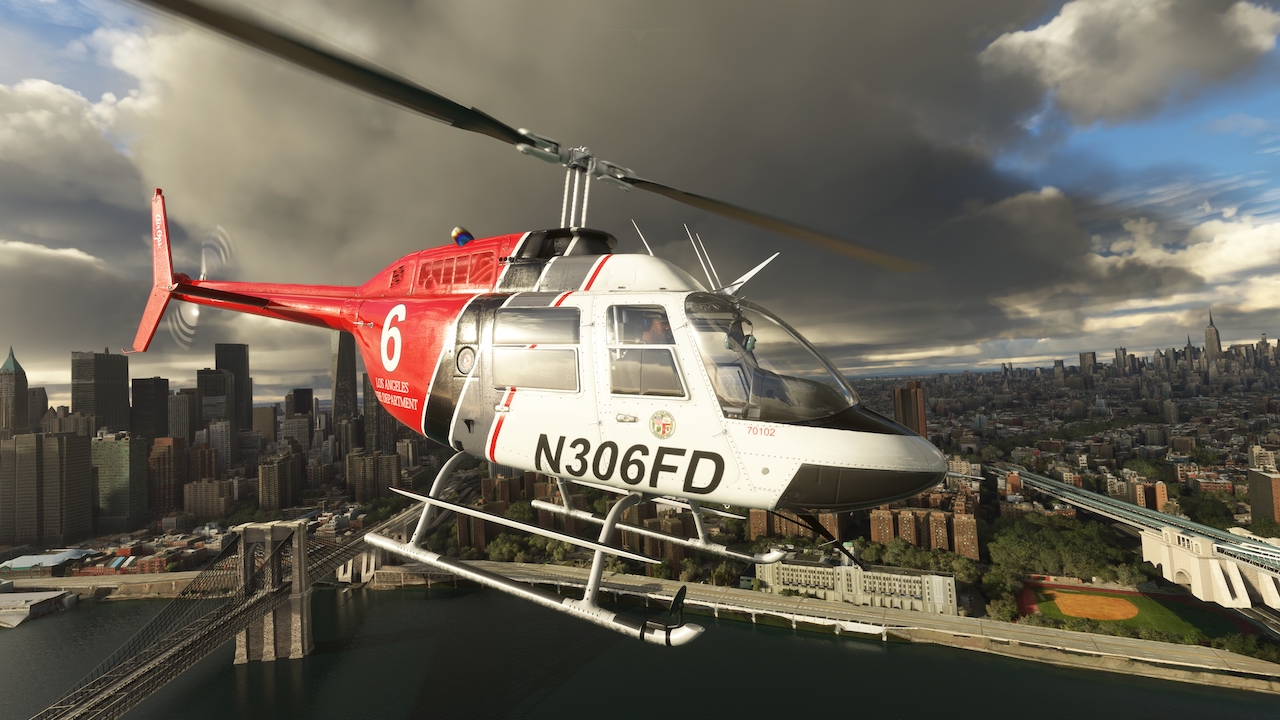
– Updated SAS/AP WASM module
– Updated CowanSim PMS package (replacement required)
– Now supports NAV-mode autopilot integration with G3X Touch
– Note: G3X FPL to Internal – CDI Source to GPS (click CDI to change)
– Fixed rotor lateral and longitudinal trim (2024)
– Main panel option persistence added (saved from last flight)
– Added option to toggle Night Vision Goggles (2024 Key: Z)
– Moved weight stations for option selection in tablet (2024)
– Corrected several tooltips displaying inaccurate information
– Added panel colliders to all panels for improved VR interaction and immersion
– Fixed issues starting on oil rigs (2024 FLT file added)
– Fixed search light emissive tied to panel potentiometer
– Door interaction and blade slap sounds fixed
– Fixed cyclic collider for VR controllers
– Lowered search light power consumption
CowanSim flight models are pilot tested, approved and developed with the Microsoft Flight Simulator SDK. No external flight model/dynamics or programs are used to provide a seamless user experience.
The throttle and idle stop on this model can be mapped to your hardware. All other bindings are functional as well. This helicopter uses persistence code to save your weight and balance settings, as well as all visible options/models, for your next flight. Please read the manual that comes with this helicopter, it will answer a lot of your questions and has a clear explanation for all hardware bindings. The manual is located inside of the package folder. For your convenience, there is an online manual and checklist that you can find at: https://CowanSim.com/manuals-checklists/
Options like the Cineflex camera, passengers, spray kit, spotlight and more are available through the weight and balance settings window. Your settings will be saved for your next flight.
The 206B3 comes with 75 liveries, and an easy-to-use paint kit is provided in GIMP and Adobe Photoshop formats. A Blender model is also provided for all the 3D painters out there.
Features:
• Custom Bindable Throttle
• All Default Bindings Work
• Bindings Explained in Manual
• Detailed Manual
• Detailed Paint Kit
• Persistence Saves Weight & Balance
• Persistence Saves Options for Next Flight
• Tested and Zeroed in by Real Pilots
• Realistic Start-Up Procedure
• Realistic Systems
• Working Breakers
• 2 Panel Variants (G530/430/GTN/GX3/Analog)
• PMS GTN 650/750 Integration (PC)
• TDS GTNXi 650/750 Integration (PC)
• Animated Floats
• Optional Skid Mirror
• Front and Rear Removeable Doors
• Optional Exhaust Blur FX
• Optional Downwash FX
• Pilots & Passengers
• 75 Paint Jobs (liveries)
• Dynamic Weight Options
• Functional and Bindable Spot/Search Light
• Spray Kit (static model)
• Animated Cineflex Camera
• Wwsie Fully Dynamic Sound Pack
• Fully VR Ready
• Realistic Flight Dynamics
• 4K PBR Textures
• Custom 3D instruments
• Detailed Night Lighting
• Accurate 3D Modeling
